
Subscription Settings
WPSubscription → Settings configures how subscriptions renew, charge and behave. WPSubscription 2.0 reorganised this screen: the settings are grouped into five sections named for the job you came to do, reachable from a rail on the left, with one Save changes button for the whole screen.
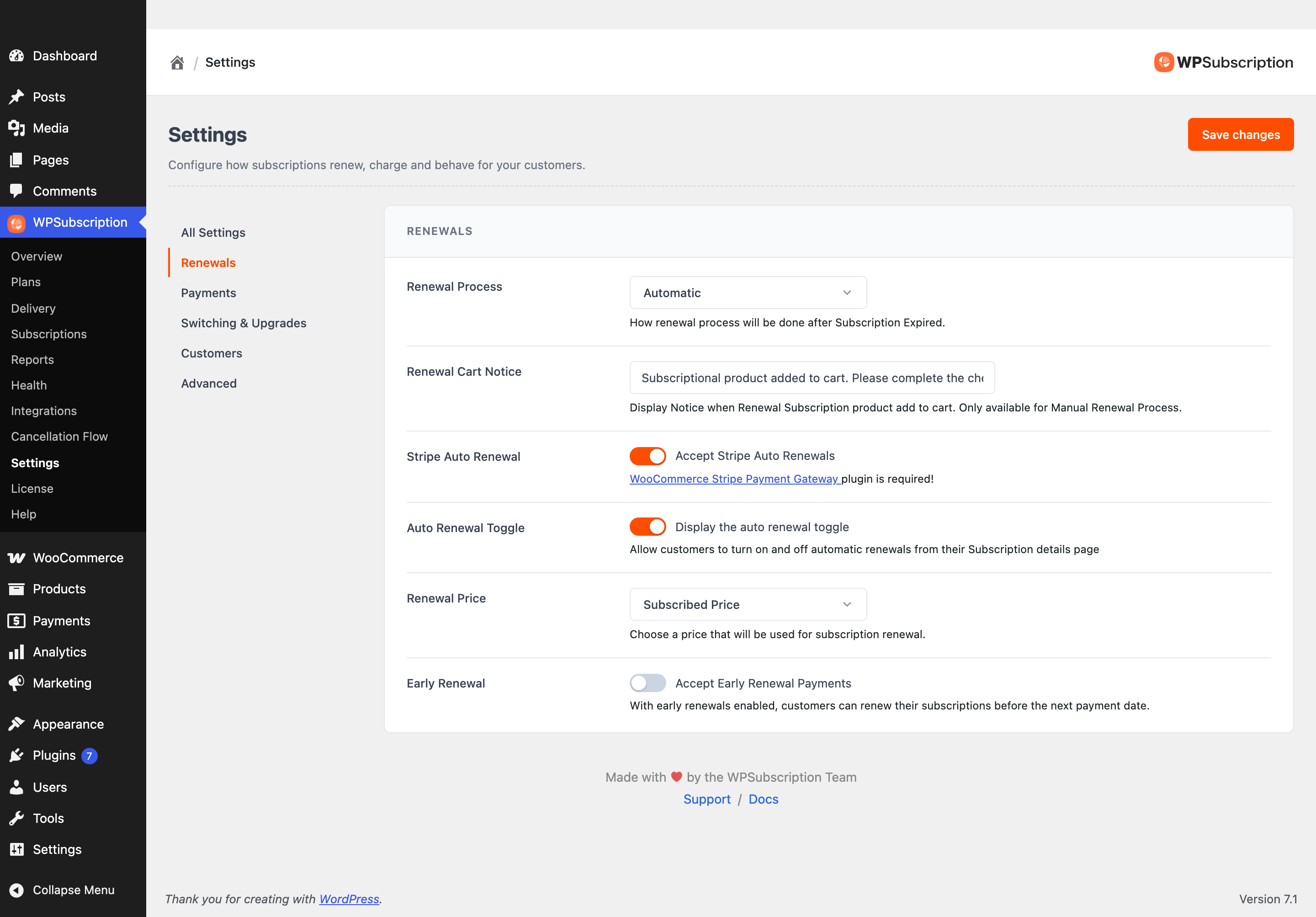
Note: Save changes saves every section, not just the one you are looking at. You can change something under Renewals, switch to Customers, change something there and save once.
Finding a setting
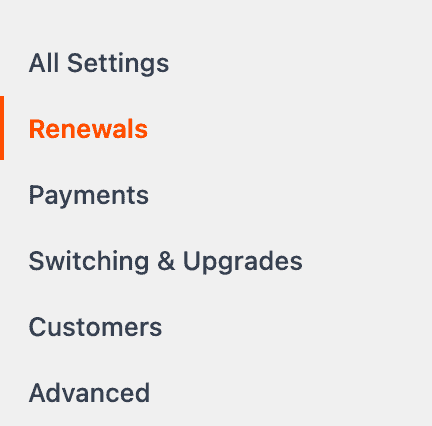
| Section | Holds |
|---|---|
| Renewals | How and when a subscription charges again. |
| Payments | Gateways, what happens when a payment fails, and the grace period. |
| Switching & Upgrades | Whether customers can move between subscriptions, and what that costs. |
| Customers | What the customer meets: their role, guest checkout, their quick view. |
| Advanced | The REST API and the health queue. |
A section only appears when something fills it, so a free-only install shows fewer rail items than one running Pro. Nothing is hidden — the sections that are missing hold Pro settings only.
Note: Cancellation is not here any more. The reason list, the survey, the cancellation timing and the retention offer moved to their own screen in 2.0 — see Cancellation Flow.
Renewals
The section you are most likely to want.
| Setting | What it does |
|---|---|
| Renewal Process | Automatic charges the saved payment method on the renewal date. Manual emails the customer an invoice and waits for them to pay. Automatic is what most stores want; manual suits gateways that cannot store a method. |
| Renewal Cart Notice | The message shown when a renewal product is added to the cart. Manual renewals only — with automatic renewals nothing is ever added to a cart. |
| Stripe Auto Renewal | Lets Stripe charge renewals automatically. Needs the WooCommerce Stripe Payment Gateway plugin. |
| Auto Renewal Toggle | Gives customers a switch on their subscription page to turn automatic renewal on and off themselves. |
| Renewal Price | Which price a renewal is charged at — the price they subscribed at, or the product's current price. See Renewal price behaviour. |
| Early Renewal | Lets customers renew before the due date. See Early renewal. |
Payments
Payment gateways
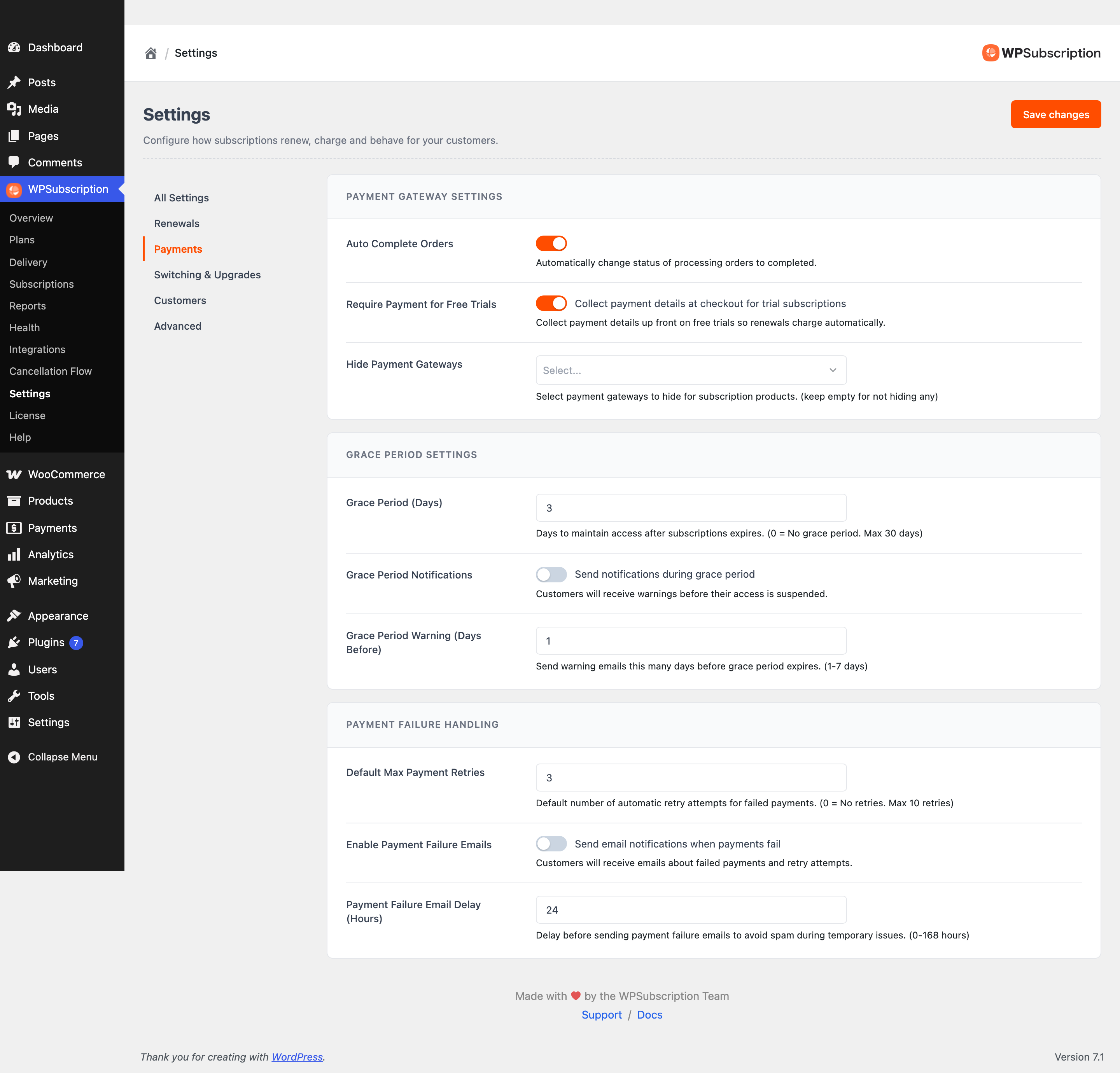
- Auto Complete Orders — mark subscription orders complete as soon as they are paid, rather than leaving them processing.
- Require Payment for Free Trials — take a payment method up front even when the first period is free. Fewer trials, far fewer failed first charges.
- Payment Gateway Settings / Hide Payment Gateways — which gateways are offered on a subscription checkout.
When a payment fails
- Payment Failure Handling and Default Max Payment Retries — how many times to retry before giving up.
- Enable Payment Failure Emails and Payment Failure Email Delay (Hours) — whether to tell the customer, and how long to wait first. A short delay avoids emailing about a failure that the next retry fixes.
Grace period
Grace Period (Days) keeps access alive while the retries run, with Grace Period Notifications and Grace Period Warning (Days Before) warning the customer before it runs out. See Grace period.
Switching & Upgrades
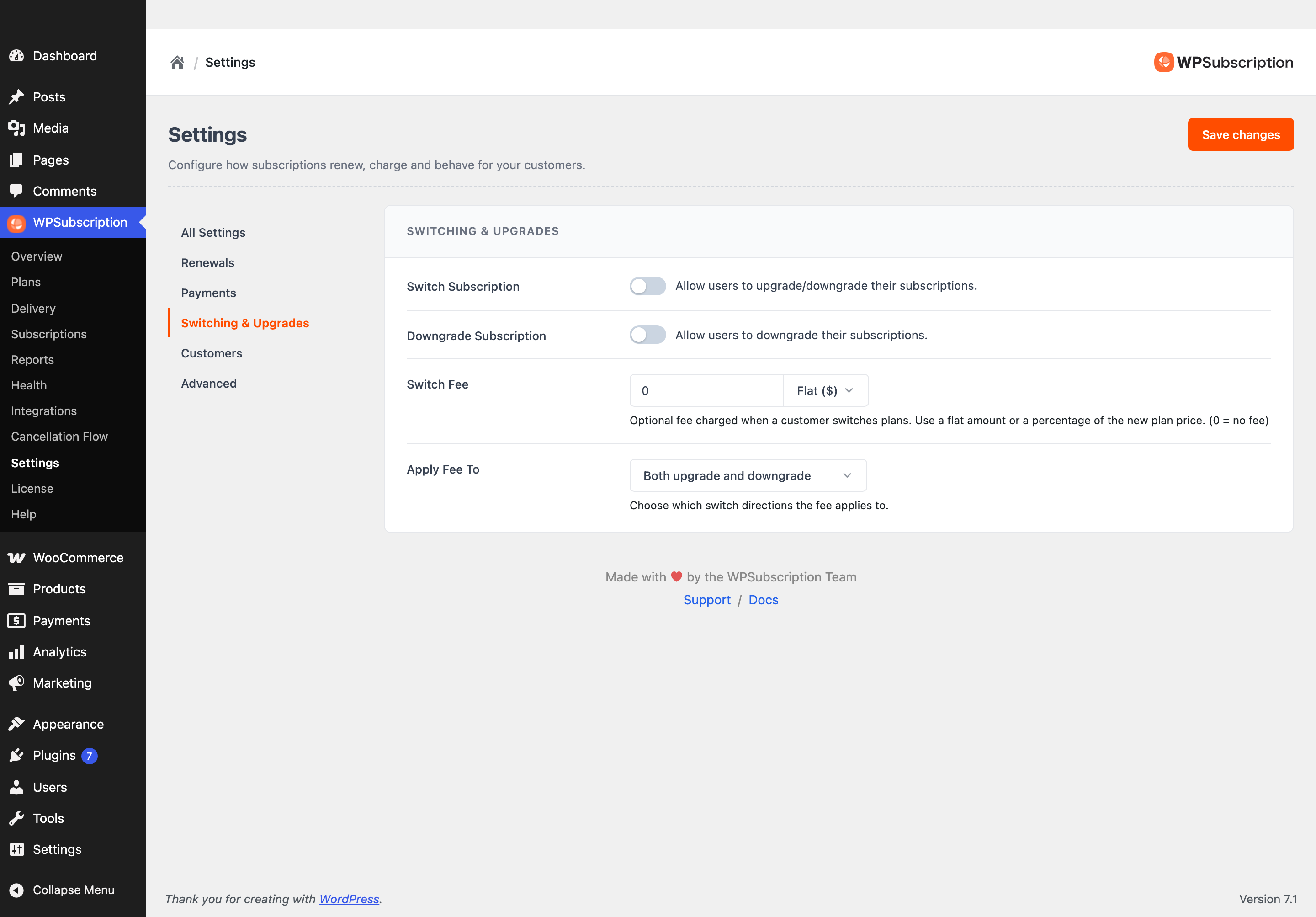
- Switch Subscription — allow customers to move to a different subscription.
- Downgrade Subscription — allow moves to a cheaper one, separately from upgrades.
- Switch Fee and Apply Fee To — a charge for switching, and which direction it applies to.
Customers
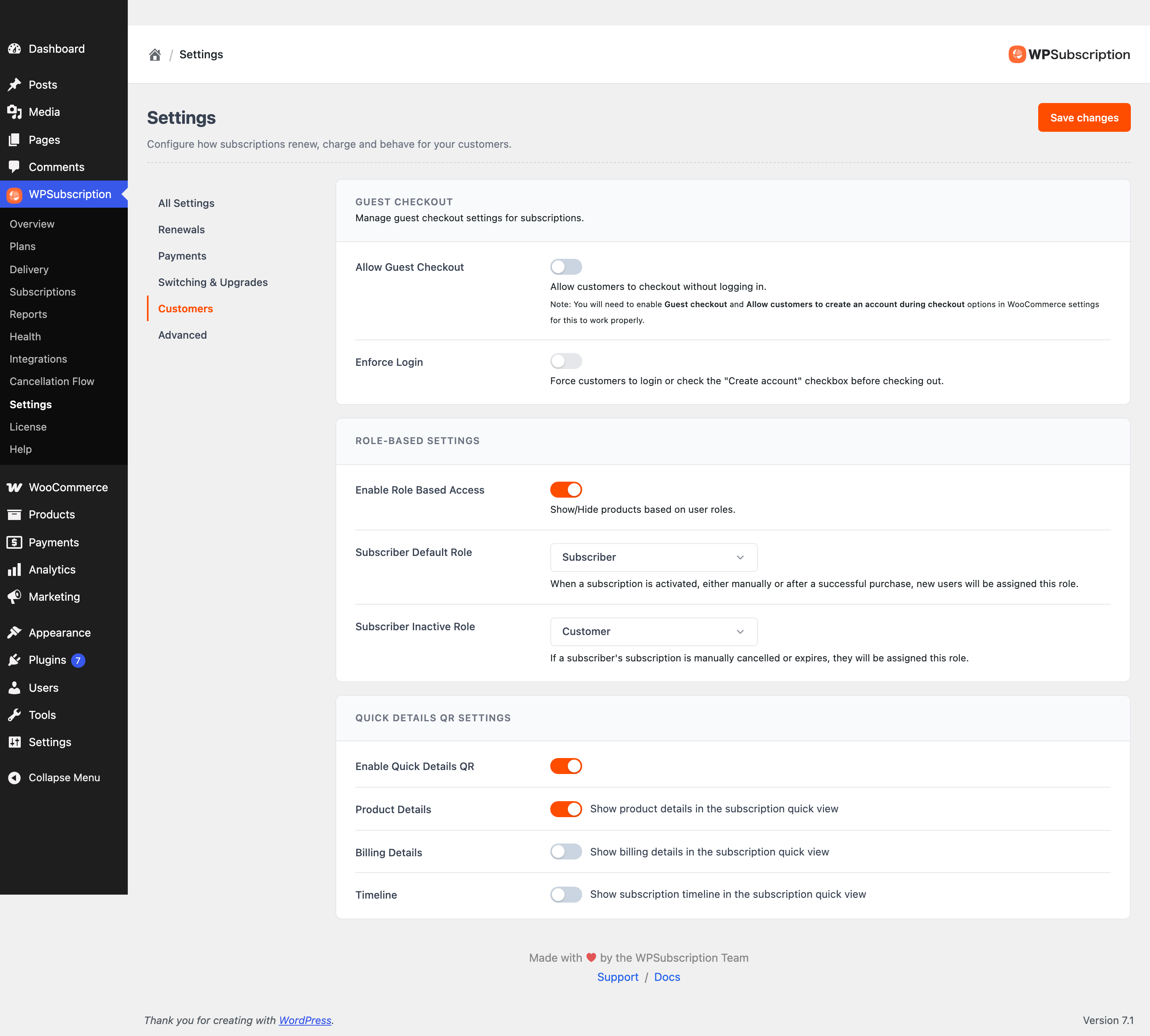
- Subscriber Default Role — the role given when a subscription activates.
- Subscriber Inactive Role — the role they drop to when it stops. Together these are how a subscription gates access to the rest of the site; see Managing user roles.
- Enable Role Based Access — switches the role swapping on.
- Allow Guest Checkout and Enforce Login — whether a subscription can be bought without an account. See Guest checkout.
- Quick Details QR — a QR code on the subscription that opens its details, and which of Product Details, Billing Details and Timeline that view shows.
Advanced
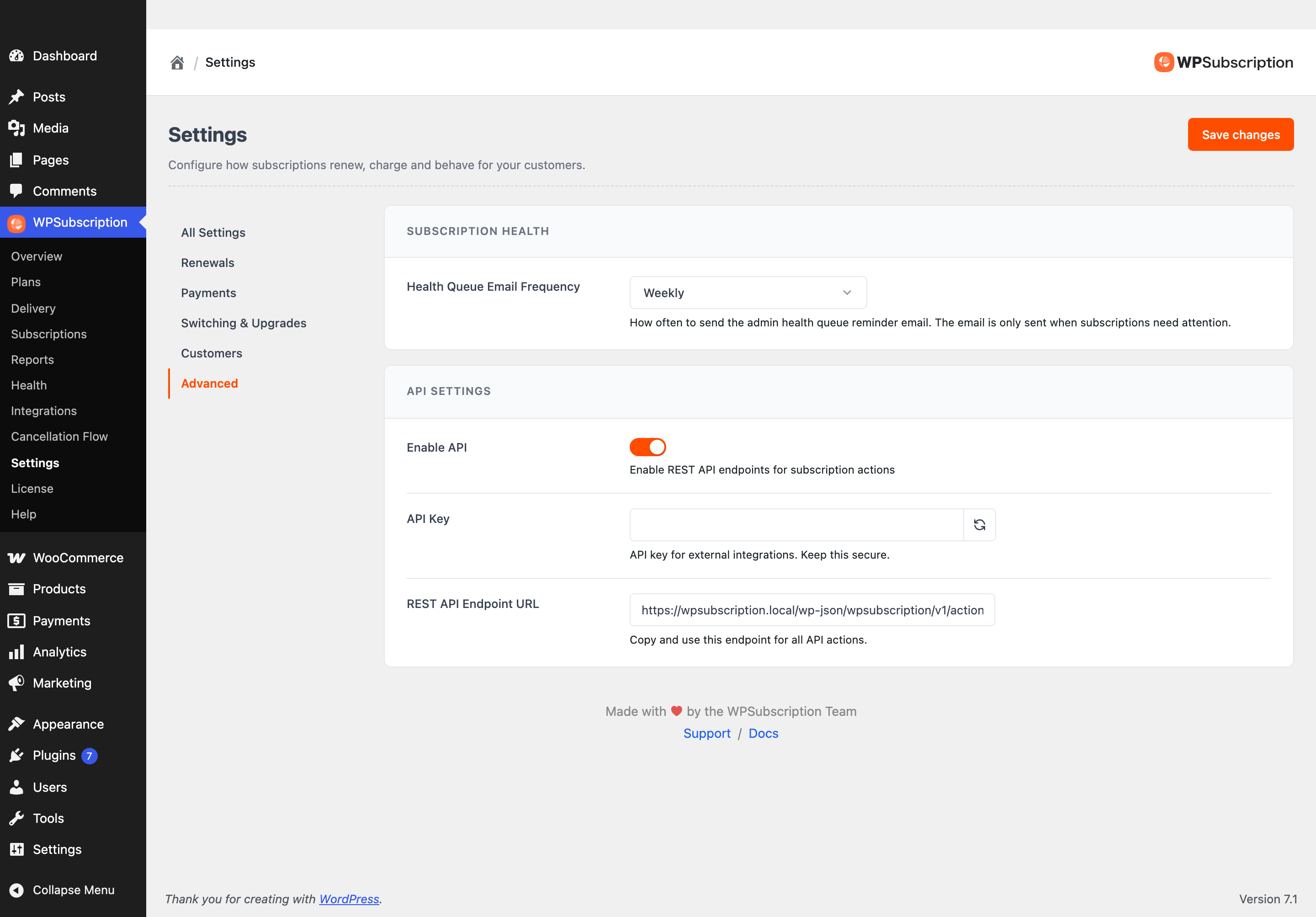
- Enable API, API Key and REST API Endpoint URL — the REST API for reading and managing subscriptions from outside WordPress. See REST API integration.
- Health Queue Email Frequency — how often the health queue emails its digest. See Subscription health.
Warning: The API key is a credential. Anyone holding it can read and change subscriptions. Treat it like a password, and regenerate it if it has ever been pasted somewhere public.
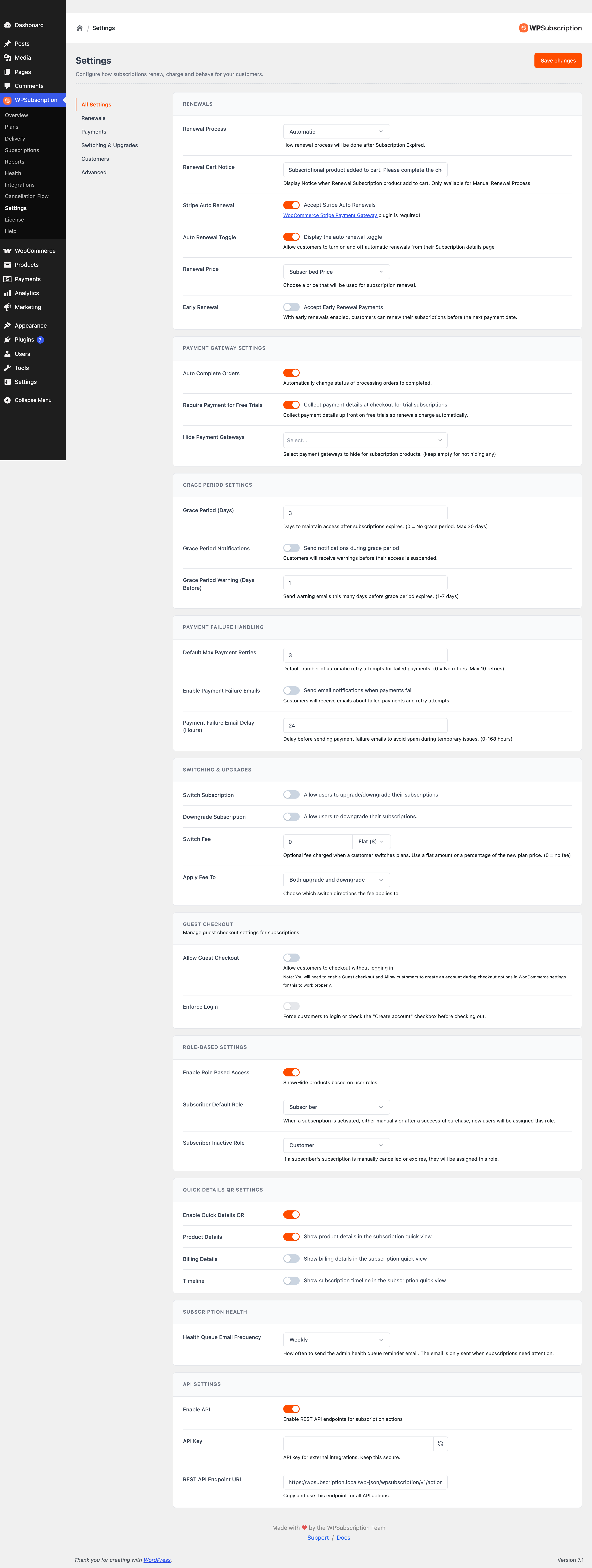
All Settings
The first rail item stacks every section on one page. It is there for when you would rather use your browser's find-on-page than remember which section something is in.
Settings that are not on this screen
Some things that feel like settings live with the thing they configure instead:
| Looking for | Where it is |
|---|---|
| Cancellation reasons, survey, timing, retention offer | WPSubscription → Cancellation Flow |
| Billing schedules and prices | WPSubscription → Plans |
| Whether a product is sold as a subscription | The product's own Subscription tab |
| Gateway credentials | WooCommerce → Settings → Payments |
| Email wording and recipients | WooCommerce → Settings → Emails. See Email notifications. |
| Licence activation | WPSubscription → License |